

Users and roles
Administration → Utilisateurs. The bank’s employees who use the portal: name, e-mail, organisation, roles, status and last sign-in.
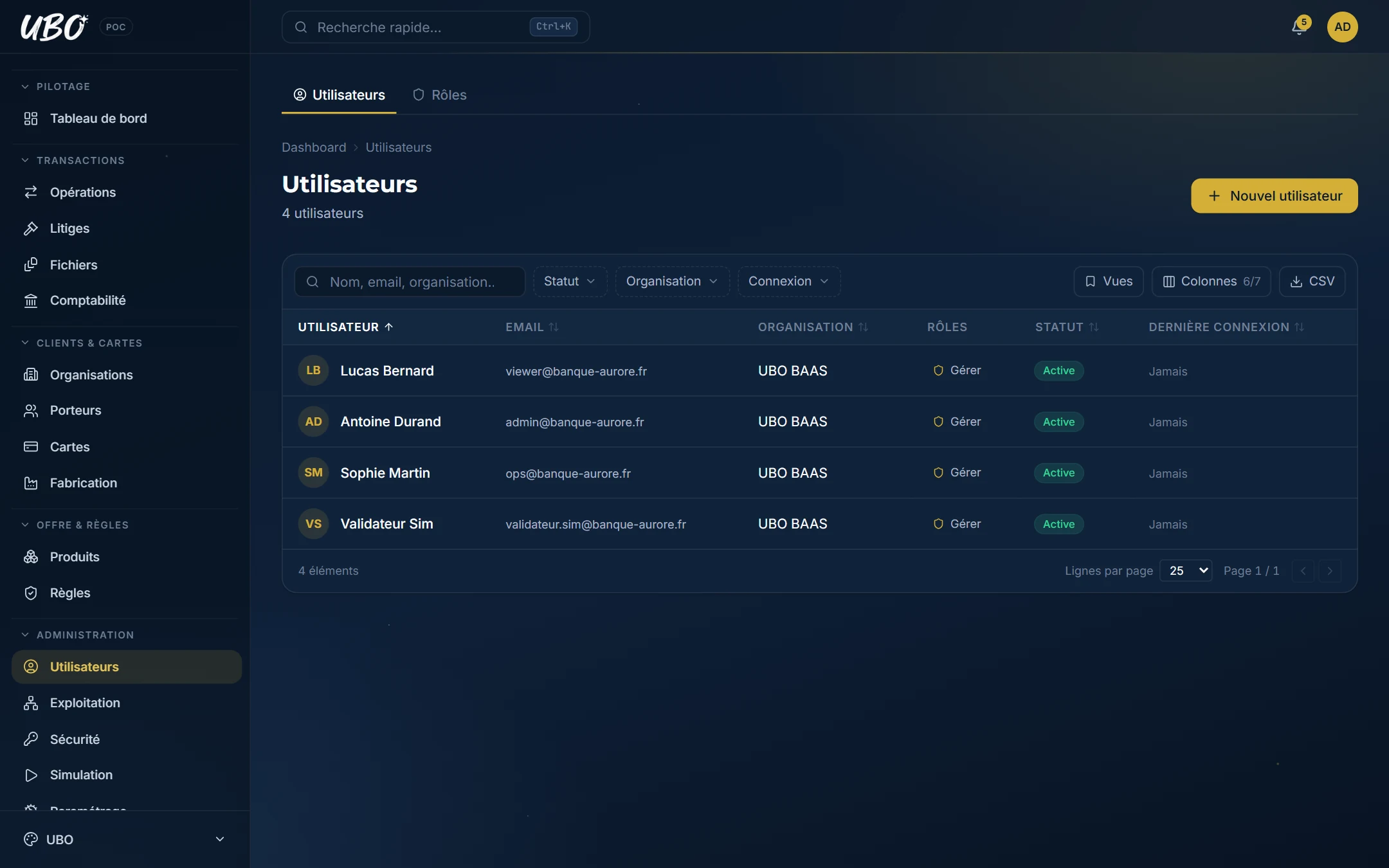
- Nouvel utilisateur (new user): name, work e-mail, organisation.
- Give them one or several roles.
- Restrict their scope to some organisations if needed.
- They receive an e-mail to choose their password; their first sign-in activates them.
Deactivating a user cuts their access at once; their history stays in the audit trail.
Administration → Utilisateurs → Rôles. A role is a set of permissions.
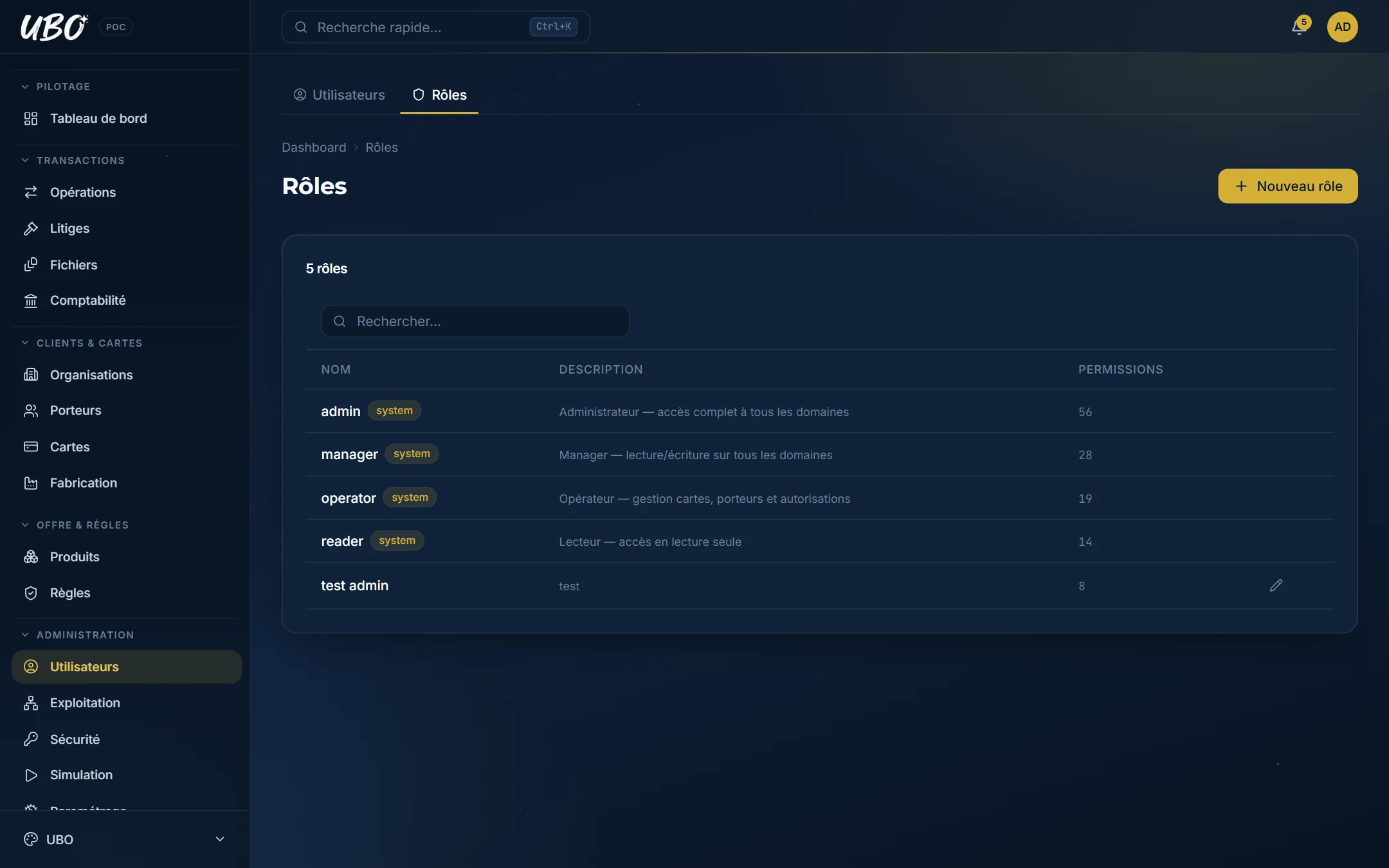
| Role provided | For whom | Main permissions |
|---|---|---|
| admin | The bank’s administrator | All the bank’s permissions |
| manager | Business manager | Cards, cardholders, rules, disputes; approval of decisions |
| operator | Operator (customer service, back office) | Cards, cardholders, operations, disputes, files in write |
| reader | Consultation (audit, control) | Read only on everything |
Create your own roles with Nouveau rôle by combining the permissions per area (cards, cardholders, operations, rules, disputes, files, accounting, security, monitoring…), each in read, write or admin.